What is Google Business Profile video verification?
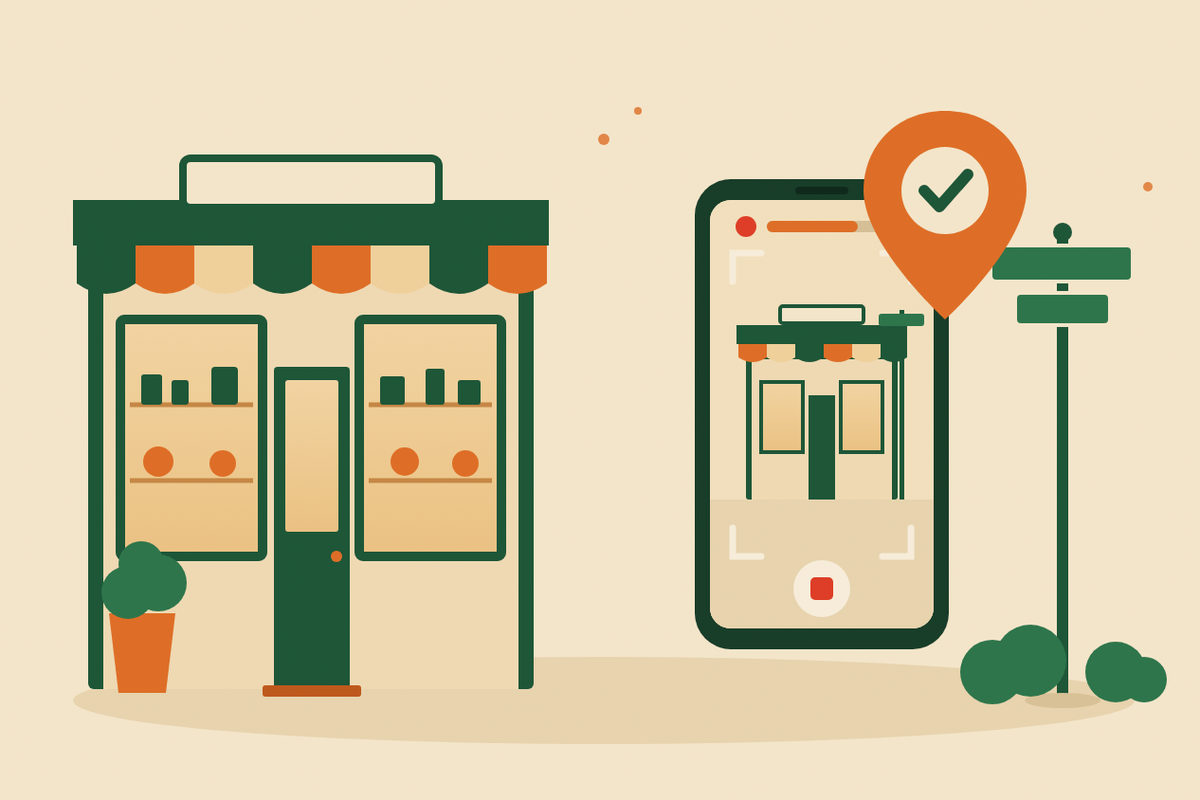
It’s a short video you record live on your phone, inside your Business Profile, to show Google that your business is real and that you run it. When video is one of the options Google offers you, Google recommends using it.
Google picks the verification methods for each business, and you can’t change them. Depending on your business type, public information, region and hours, you may see a phone call or text, email, a video recording, a live video call or a postcard.
What are the video requirements?
Google lists a few rules every video has to follow. Break one and the video is rejected, so check them before you press record:
- Recorded live: pre-recorded videos aren’t allowed.
- One unedited, complete take with no breaks.
- At least 30 seconds long.
- Recorded and uploaded from a phone, through your Business Profile.
- No sensitive details such as bank account, tax or ID numbers, no private information, and no other people’s faces.
What should a storefront business film?
Show where you are, prove the business exists and show that you manage it. For a shop, salon, restaurant or office that customers visit, Google asks for three things:
- Location: street signs, building numbers, nearby businesses or familiar places around you.
- Existence: your storefront, showroom or sign, with the business name clearly printed on a permanent fixture such as a signboard, wall or window. It must match the name on your profile.
- Management: something only an employee can access, such as opening the cash register.
What should a service-area business film?
If you travel to customers, as plumbers, cleaners, mobile detailers and installers do, Google asks for the same three things in a different form:
- Location: street signs, nearby landmarks or other markers at your business address. Avoid empty land or places with no clear markers. If you work from home, Google says landmarks and signs in your immediate neighborhood are fine.
- Existence: the professional tools, equipment or products you work with.
- Management: you doing the work or opening business-only assets, or a business permit, invoice or utility bill that matches the name on your profile, with any account numbers covered.
Can an online-only business be verified?
No. Google says online-only businesses aren’t eligible for a Business Profile and can’t be verified. Its guidelines allow a profile when customers can visit your location, or when you travel to customers where they are.
If you only work with clients remotely, put your effort into your website, the directories in your field and the people who refer you.
How do you record and upload the video?
Plan your shots first, then do it in one go from your phone:
- Open your Business Profile and tap Get verified. You may need to enter a phone number first.
- Choose Business video, read the requirements and allow location, camera and microphone access.
- Tap Start recording, film your plan in one take, then stop.
- Watch it back. If something is missing, tap Try again.
- Tap Upload video. Google says uploads sometimes fail on the first try; if yours does, upload again.
How long does video verification take?
Google says verification reviews take up to 5 business days, and on rare occasions longer. You’ll get an email when your business is verified.
Wait for the answer before making big edits: Google notes that changes to your business information may require verification again.
What if your video is rejected or not working?
Open Review issues on your profile to see what was missing, then record a new video with everything from the first one plus the missing pieces. Google gives examples such as “Business name not visible on storefront” and “No nearby area shown”.
If the Get verified button comes back, Google couldn’t fully verify your business. If video keeps failing, try another method your profile offers, and if you still can’t verify by live video call or postcard, Google says to contact support.
A video plan you can copy
For a hypothetical service-area business run from home. One continuous take of about 45 seconds, no faces.
Example shot list
Oak Lane Mobile Detailing: verification video plan
Start at the street sign at the corner of your block and pan to a landmark nearby. Walk to the driveway and open the work van: the polisher, the pressure washer and the supplies you use every day. Unlock the equipment cabinet, hold up an invoice with the business name, account numbers covered, and finish on the van.
Plan your shots before you press recordExample wording to adapt; this is not a live business enquiry.
Your checklist
Use this while reviewing the website. Your progress is not saved or sent.
Questions to work through
How long does Google Business Profile video verification take?
Google says verification reviews take up to 5 business days, and on rare occasions longer. You get an email when your business is verified.
Can I verify my Google Business Profile without a video?
Sometimes. Google chooses which methods you can use, such as a phone call, text, email, video, a live video call or a postcard. If your profile shows more than one option, you can try another.
Why was my verification video rejected?
Usually something Google needs is missing, such as your business name on the storefront or the area around your business. Open Review issues to see the reasons, then record a new video with everything from the first one plus what was missing.
Do I have to show my face in the video?
Google’s requirements don’t ask for your face, and they rule out other people’s faces. Point the camera at your surroundings, your business and your tools.
Can an online-only business be verified?
No. Google says online-only businesses aren’t eligible for a Business Profile. You qualify if customers can visit you or if you travel to them.
Sources and further reading
Use the original guidance alongside this planning article. The examples here are adaptable starting points, not claims about your business.
- Google Business Profile Help: Verify your business with a video recording
- Google Business Profile Help: Verify your business on Google
- Google Business Profile Help: Guidelines for representing your business on Google
- Venant Studio: How to set up your Google Business Profile, step by step
- Venant Studio: Google Business Profile suspended? How to fix it and appeal
- Venant Studio: Why isn’t my business showing up on Google Maps?