The first screen: the job, the area, a phone number and a quote button
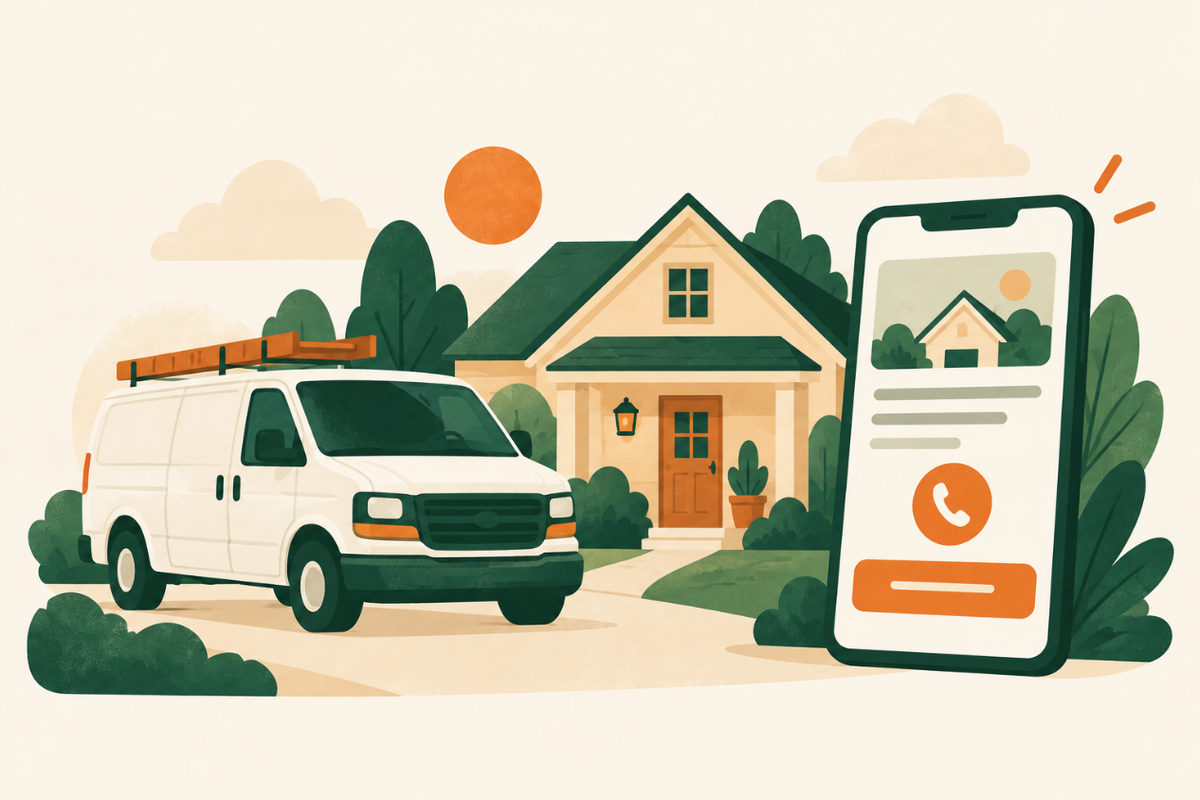
Most people will see your site on a phone. Without scrolling, they should read what you do and where, and find two buttons: one to call and one to request a quote. “Roof repair and replacement in Dayton and nearby towns” works better than “Quality you can trust”.
If you offer emergency or same-day service, say so on that first screen, but only if your team can really deliver it.
Explain each service, including what you don’t do
Give each main service its own short section or page: what the job includes, how long it usually takes and what the customer needs to do. “Roof repair” and “roof replacement” are different searches and different worries.
Saying what you don’t do saves you calls that go nowhere: “We don’t do commercial roofs” or “We clean homes, not offices.”
Show exactly where you work
List the towns, neighborhoods or ZIP codes you serve, in words a customer would search. A customer who can’t tell whether you come to their street will call someone who says so.
On Google, Google’s guidelines say a service-area business, one that visits customers rather than receiving them at its address, should hide its street address and set a service area instead. Keep your website and your Google profile consistent.
Prove you are real and qualified
Strangers are letting you into their homes, so trust decides the call. Show the people behind the business and real work you have done.
- Real photos of your team, your vans and finished jobs. Before-and-after photos work well, with the customer’s permission.
- Reviews: link to your Google reviews and show a few on the page.
- Licenses and insurance, if you have them, with the license number. Some states require it: California, for example, requires licensed contractors to include their license number in their advertising. Check your state’s rules.
- Your story in a few sentences: who started the business, how long you have served the area, and a direct phone number.
Talk about price
Customers want a rough idea before they call. If you can, give starting prices or typical ranges. If every job is different, explain what changes the price (size, materials, access, urgency) and whether quotes are free.
Never advertise a price you won’t honor. A low “from” price that never applies loses the customer at the door.
Make getting a quote fast
Ask only what you need for a first answer: name, phone, ZIP code or address, the job, and an optional photo upload, which saves a site visit for many jobs. After they send it, show a clear confirmation and say when you will reply, using a time you can actually meet.
Once a month, send yourself a test request to make sure it still reaches the right inbox or phone.
Connect your website and your Google profile
Most customers find a home service business on Google first. Link your profile to your website, use the same business name and phone number everywhere, choose the most specific category, and keep asking every customer for a review. Our Google Maps checklist covers the profile step by step.
An example first screen
For a hypothetical house cleaning business. Swap in your own service, area, promise and phone number.
Example homepage opening
House cleaning in Dayton and nearby towns
Weekly, biweekly and move-out cleaning. Free quotes, usually the same day on weekdays. [Get a quote] [Call (555) 010-1234]
Plan your first screenExample wording to adapt; this is not a live business enquiry.
Your checklist
Use this while reviewing the website. Your progress is not saved or sent.
Questions to work through
Do I need a website if I already have a Google listing?
Not always. A complete Google listing can be enough for some businesses. A website helps when customers need more than a phone number: service details, photos, prices, your area and a quote form. Our guide on websites versus Google listings walks through the decision.
Should I show prices on my website?
If you can, yes: starting prices or typical ranges help customers decide to call. If every job is different, explain what affects the price and whether quotes are free.
Should I show my home address?
If customers don’t come to you, no. Google’s guidelines say service-area businesses should hide their street address on Google and set a service area instead. On your site, list the areas you serve.
How many pages does a home service website need?
Usually five to eight: home, a page for each main service, service area, about, reviews or photos, and contact or quote. More pages help only if each one answers a real question.
Sources and further reading
Use the original guidance alongside this planning article. The examples here are adaptable starting points, not claims about your business.
- Google Business Profile Help: Guidelines for representing your business on Google
- Google Business Profile Help: Tips to improve your local ranking on Google
- Google Business Profile Help: Tips to get more reviews
- California Contractors State License Board: Advertising guidelines for contractors
- Venant Studio: Google Maps checklist
- Venant Studio: Do you need a website, or is a Google listing enough?