Be on the map when the AC dies
For searches like “AC repair near me”, Google usually shows nearby businesses on a map first. A Business Profile is free. If you go to customers, Google’s guidelines say to hide your address and set a service area: up to 20 areas by city, postal code or region, within about two hours of driving from your base.
Keep your hours honest, list your real services (AC repair, furnace repair, heat pumps, installations, maintenance), and add photos of your vans, team and work. The business name stays exactly as on your sign: “Lee Heating & Air”, not “Lee Heating & Air AC Repair 24/7”.
Show that you are qualified
People letting a technician into their home want proof. On your website and profile, show:
- Your license number where your state requires one.
- That your technicians are certified under EPA Section 608, which requires technicians who maintain, service, repair or dispose of equipment that could release ozone-depleting refrigerants to be certified.
- Your insurance, the warranties you honor, and the brands you install and service.
- Photos and first names of the technicians who will show up.
A website that books service calls
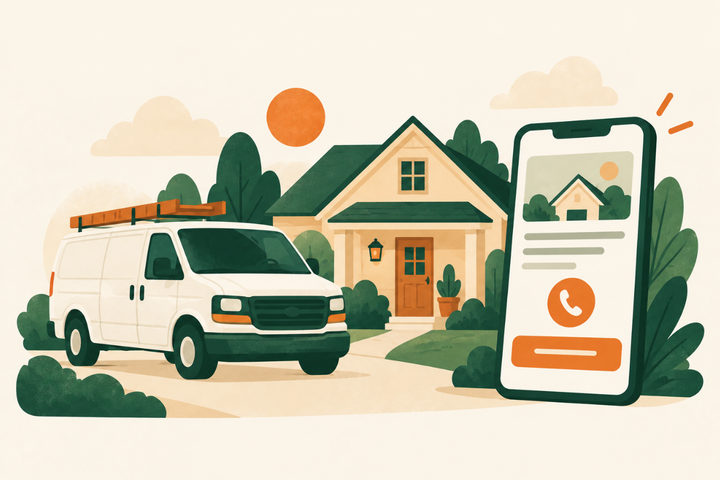
On a phone, the first screen needs what you fix, where you work, a tap-to-call button and an easy way to request service. Then explain each service in plain words, your service-call or diagnostic fee and what it covers, and what happens after someone contacts you.
For installations, explain what affects the price (the size of the home, the type of system, ductwork) and offer a written estimate rather than a vague “call for pricing”.
Answer every call, especially in peak season
On the hottest day of the year, a missed call goes to the next company on the list. Plan for the calls you can’t take: a voicemail with a callback time, a text back to missed callers, or an answering service. In peak weeks, an honest “our next available appointment is Thursday” beats silence.
Fill the slow months with maintenance
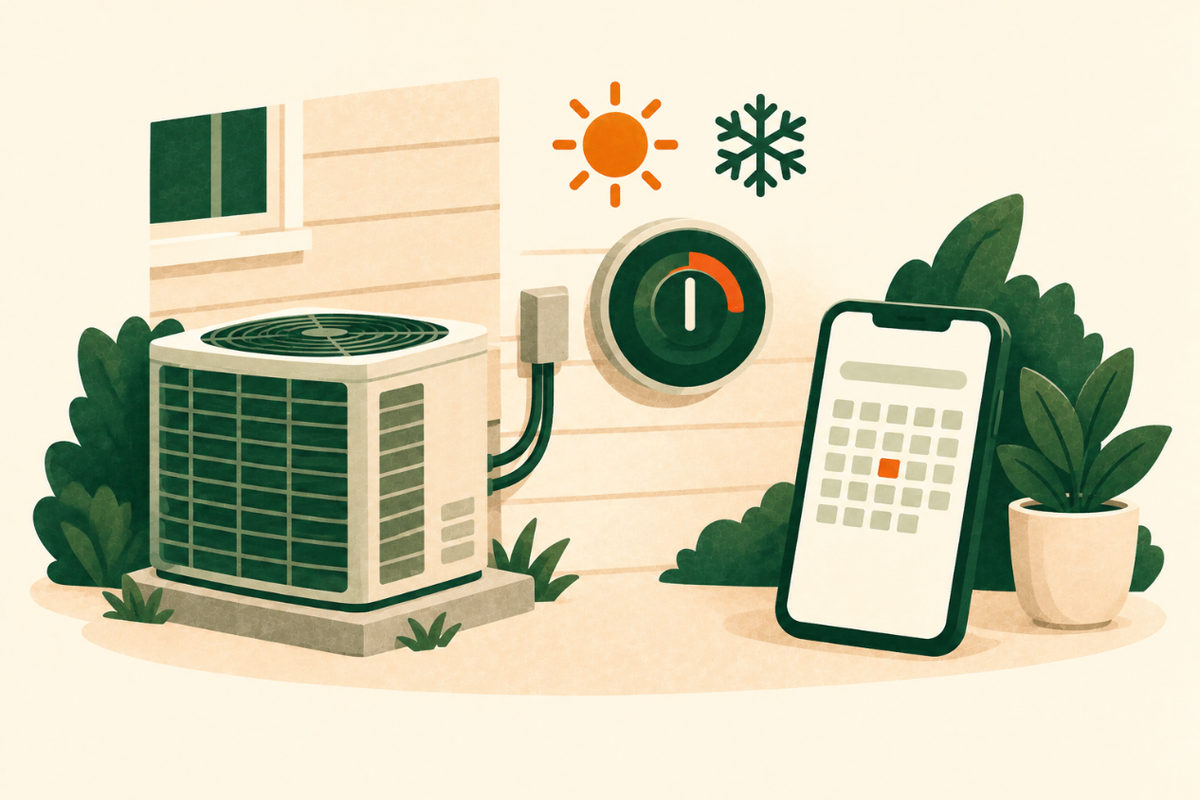
ENERGY STAR recommends annual pre-season check-ups by a contractor: the cooling system in the spring and the heating system in the fall. That gives you two natural reasons to contact every customer each year.
- Offer a simple maintenance plan with a spring visit and a fall visit.
- Send reminders before each season, by text or email, to customers who agreed to receive them.
- Leave a sticker with your number on the unit, and remind customers that ENERGY STAR suggests checking air filters every month.
Ask every customer for a review
Text your review link right after the visit. Google lets you create a review link or QR code from your profile. Ask everyone the same way: Google’s policy forbids asking only happy customers and forbids offering anything in exchange for a review. Reply to every review briefly, without details about the customer’s home.
Consider Google’s Local Services Ads
HVAC is one of the categories eligible for Local Services Ads in the US. You pay only when a customer gets in touch from your ad, and businesses that pass Google’s screening show the Google Verified badge. For HVAC, Google’s screening lists an owner check, a check on each service professional, a state-level business license where local law requires one, and general and professional liability insurance.
Judge the ads by the cost of each booked job, and remember that these leads arrive as calls and messages, so the missed-call plan matters even more.
Partners who send repeat work
Steady referrals often come from people who see HVAC problems before you do:
- Real estate agents and home inspectors.
- Property managers and landlords.
- Builders and remodelers.
- Plumbers and electricians you trust, for referrals both ways.
A pre-season reminder you can adapt
For a hypothetical HVAC company, sent only to customers who agreed to receive reminders.
Example spring reminder text
Lee Heating & Air: time for your AC check-up
Hi Dana, it’s Lee Heating & Air. Before the first hot week, we’re booking spring AC check-ups. Reply YES and we’ll text you two times that work, or call us at (555) 010-0142. Reply STOP to opt out.
Send it two weeks before peak seasonExample wording to adapt; this is not a live business enquiry.
Your checklist
Use this while reviewing the website. Your progress is not saved or sent.
Questions to work through
How do HVAC companies get more customers?
Show up and answer when systems fail: a verified Google Business Profile, a website that books service calls and a plan for every missed call. Then build repeat business with maintenance plans, seasonal reminders and reviews.
How do I get HVAC customers in the slow season?
Use it for maintenance. ENERGY STAR recommends checking the cooling system in the spring and the heating system in the fall, so offer plans and send reminders before each season to customers who opted in.
Should I mention EPA certification on my website?
Yes, it reassures customers. The EPA requires technicians who maintain, service, repair or dispose of equipment that could release ozone-depleting refrigerants to be certified under Section 608.
Are Google Local Services Ads worth it for HVAC?
They can be. You pay only when a customer gets in touch from the ad, and the Google Verified badge helps. Track how many leads become booked jobs before you raise the budget.
Should I show prices on my HVAC website?
Where you can: your service-call fee and what it covers build trust. For installations, explain what affects the price and offer a written estimate.
Sources and further reading
Use the original guidance alongside this planning article. The examples here are adaptable starting points, not claims about your business.
- Google: Business Profile, free to create
- Google Business Profile Help: Guidelines for representing your business on Google
- Google Business Profile Help: Manage your service areas for service-area and hybrid businesses
- US EPA: Section 608 technician certification
- ENERGY STAR: Heating and cooling maintenance checklist
- Google Business Profile Help: Create a Google link or QR code to request reviews
- Google Maps user-generated content policy: Prohibited and restricted content
- Google Local Services Ads Help: Getting started with Local Services Ads
- Google Local Services Help: Business screening and verification requirements (United States)
- Venant Studio: What a home service business website needs