The first screen: open today, where, and one main button
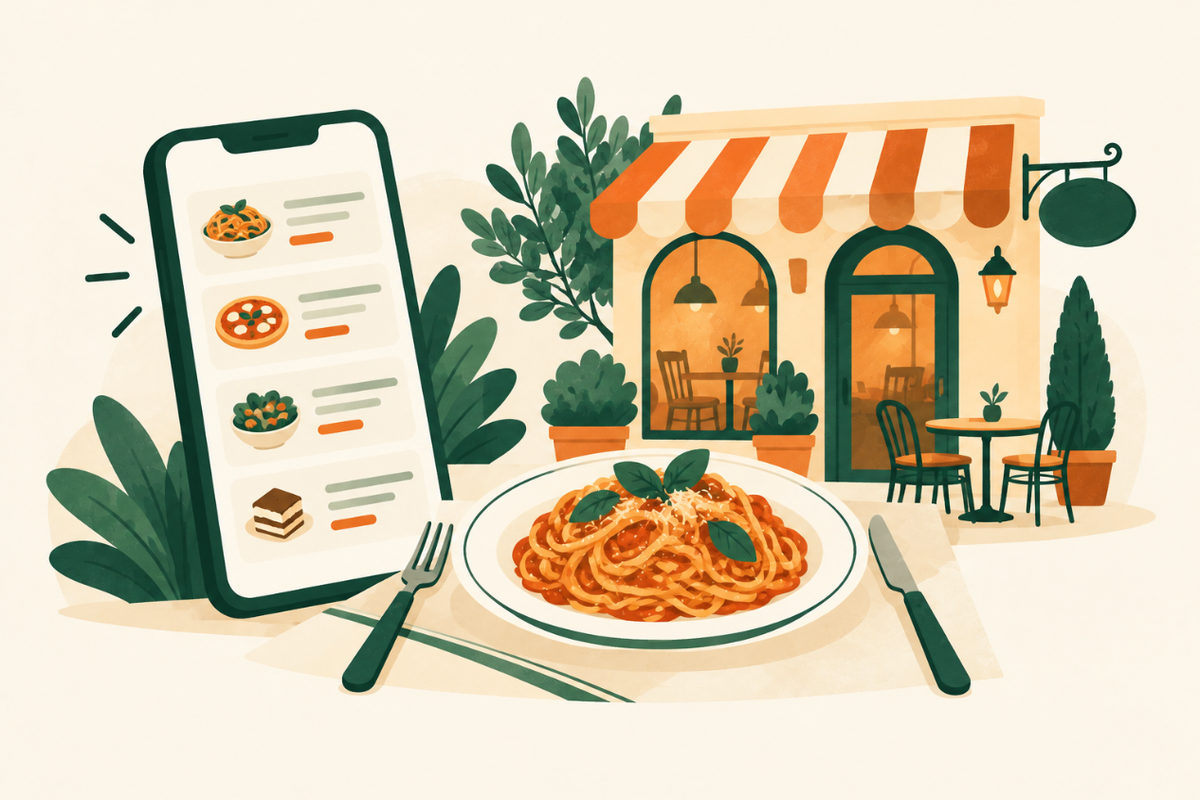
Show today’s hours, your address with a map link and a tap-to-call number on the first screen. Then pick one main action that matches how you serve people: reserve a table, order for pickup, or call.
Skip what slows a phone down: autoplay videos, huge sliders and pop-ups that cover the menu. Someone standing on the sidewalk deciding where to eat won’t wait for them.
Link the reservation and ordering systems you already use
Use the reservation or ordering service you already run, and link to it from every page. If you take bookings only by phone, say so and make the number tappable.
On Google, you can add booking and food ordering links to your Business Profile: on Google Search under Booking, Food ordering or Pickup and delivery, and on Google Maps through Edit profile. Google allows up to ten links per type and lets you mark one as your preferred link, so customers see your own ordering page first.
Show real food and the room
Use your own photos: a few signature dishes, the dining room at the time of day people visit, and the entrance from the street so first-timers can find you. Real photos set honest expectations; stock photos of someone else’s food do the opposite.
Add the extras people actually ask about
Only add what you really offer, and give each one a clear next step.
- Private dining, events and catering, with a short enquiry form.
- Gift cards, if you sell them online.
- Parking, accessibility, outdoor seating and whether you welcome kids or dogs.
- Your story in a few sentences: who cooks, where the food comes from, how long you’ve been there.
Make your Google profile match your website
Many diners never open your website: they decide from your Google listing. Food and drink businesses can use Google’s menu editor to add items with descriptions and prices, or add a menu link or upload a menu photo or PDF. Google says menu changes can take 24 to 48 hours to appear.
Keep your hours identical on your site and on Google, and set Special hours before holidays. Google suggests confirming holiday hours even when they match your usual schedule.
An example first screen
From Olive & Ash, a fictional restaurant concept on our Work page. Swap in your own hours, dishes and buttons.
Example homepage opening
Wood-fired dinner and weekend brunch
Open tonight 5–10 pm · 214 Elm Street (example address). [Reserve a table] [See the menu] [Call us]
Plan your first screenExample wording to adapt; this is not a live business enquiry.
Your checklist
Use this while reviewing the website. Your progress is not saved or sent.
Questions to work through
Does a restaurant need a website if it’s on Google and delivery apps?
Not strictly, but a site you control holds your full menu, your story, private events and your own booking or ordering link. Listings and apps decide how you appear on them; your website is the one place you decide.
Should I put prices on my menu page?
Yes, in most cases. Guests decide before they arrive. If prices change often, update the page when they do or mark items as market price.
Can I add my menu to Google?
Yes. Food and drink businesses can use the menu editor in their Business Profile, add a menu link, or upload a menu photo or PDF. Changes can take 24 to 48 hours to show.
How often should I update the website?
Whenever the menu, hours or events change, and before every holiday. A wrong hour or a dish you no longer serve costs more trust than a plain design.
Sources and further reading
Use the original guidance alongside this planning article. The examples here are adaptable starting points, not claims about your business.
- Google Business Profile Help: About the menu editor
- Google Business Profile Help: Manage your local business links
- Google Business Profile Help: How to set Special hours
- Google Business Profile Help: Tips to improve your local ranking on Google
- Venant Studio: Olive & Ash, an example restaurant website (fictional concept)