Put the booking button everywhere
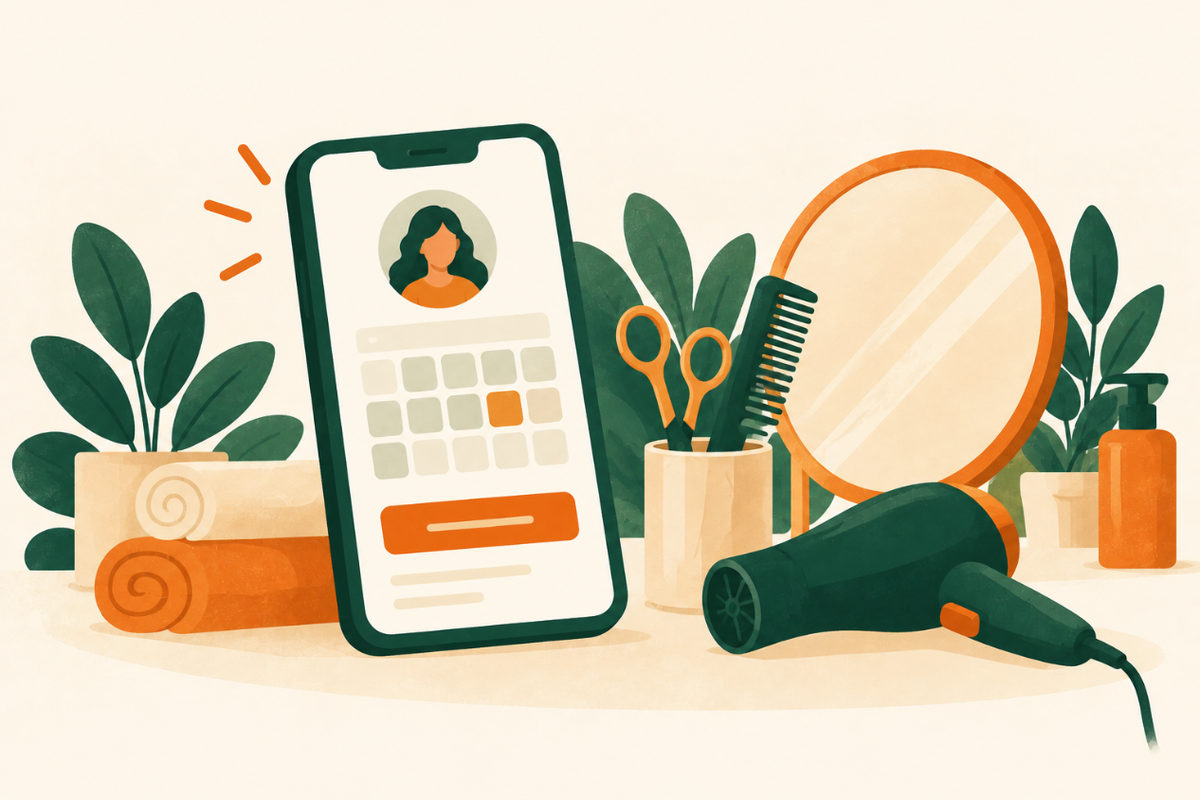
Most clients want to book without a phone call, often late in the evening. Put a Book now button at the top of every page, link it to the booking system you already use, and keep a tap-to-call number for people who prefer to talk.
On Google, if your scheduling software is a supported partner in your country, you can connect it through Reserve with Google from the Bookings section of your Business Profile; Google says the provider shows up on your profile within a week. Otherwise, add your own booking link.
Show a price list
Clients compare before they book. List your main services with a starting price, and explain what changes it: hair length, color work, extras. For complex services, offer a consultation instead of a guess.
Your Google profile can show the same list: Google lets businesses add services with a description and a price. Keep both lists identical.
Introduce your team
Clients book people, not just services. Give each stylist or technician a photo, a few words about what they love doing and what to book them for, and a way to book with them directly if your system allows it.
Show real work, with permission
Your own photos sell better than any stock image: recent cuts, colors, nails or treatments, in good light. Ask clients before you post their photos, and keep the pictures honest, without filters that change the result.
A few strong photos on the page, with a link to your Instagram for more, work better than an endless gallery that slows the page down.
Write down the policies clients ask about
Clear policies save awkward conversations later. Put them on the booking page, in plain words.
- Cancellations, late arrivals and deposits.
- Patch tests or consultations for color or treatments, if you require them.
- Parking, accessibility and how to find the entrance.
- Payment methods and gift cards.
Make your Google profile match
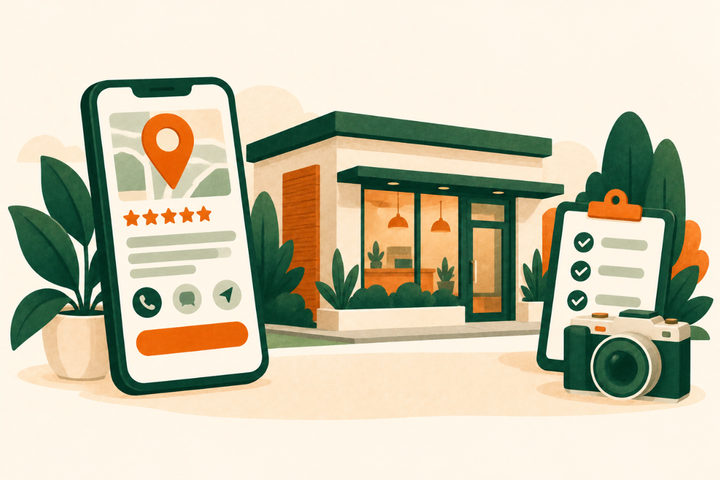
Many clients find you on Google Maps first. Keep the same services, prices and hours on your profile and your website, add recent photos of your work, and ask every client for a review the same way, without rewards.
An example first screen
For a hypothetical hair and nail salon. Swap in your own services, prices, team and booking link.
Example homepage opening
Hair, color and nails in Riverside
Cuts from $45 · color from $95 · gel nails from $40 (example prices). [Book now] [See prices] [Call]
Plan your first screenExample wording to adapt; this is not a live business enquiry.
Your checklist
Use this while reviewing the website. Your progress is not saved or sent.
Questions to work through
Do I need a website if I already use a booking app?
Your booking app takes appointments; your website shows your style, your team and your prices, and it is the link you control on Google and Instagram. The best setup uses both: the site sells, the app books.
Should I show prices on my website?
Yes, at least starting prices. Clients who see a price range before booking are less likely to be surprised at the chair. Explain what changes the price.
Can clients book from my Google profile?
Yes, if your scheduling software is a supported partner in your country (Reserve with Google). Otherwise you can add your own booking link to your profile.
How do I get more Google reviews?
Ask every client at checkout, send your direct review link the same day, and never offer a discount for a review. Our guide to getting more Google reviews covers the steps.
Sources and further reading
Use the original guidance alongside this planning article. The examples here are adaptable starting points, not claims about your business.
- Google Business Profile Help: Set up bookings through a provider
- Google Business Profile Help: Manage your services on your Business Profile
- Google Business Profile Help: Manage your local business links
- Google Business Profile Help: Tips to get more reviews
- Google Maps user-generated content policy: Prohibited and restricted content
- Venant Studio: Lumen Aesthetics, an example beauty website (fictional concept)