Let people book in two taps
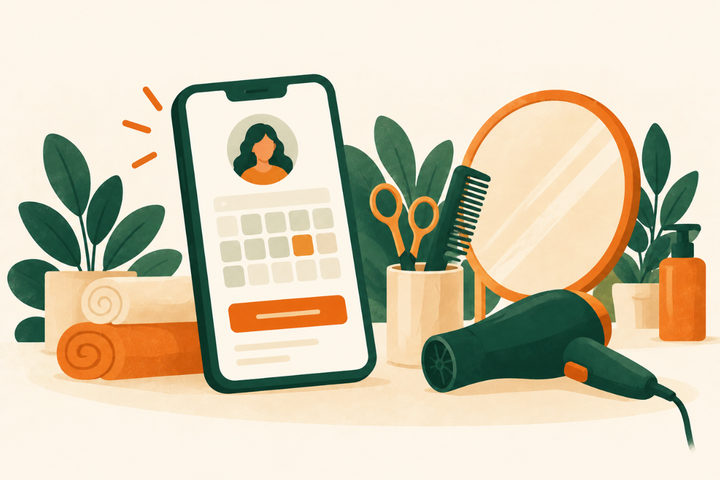
Clients can book from your Google Business Profile through a booking provider that works with Google; Reserve with Google lists the providers in your country. In your profile, open Bookings, select Get started and choose your provider. Google says providers show up on your profile within a week, and your provider may charge for bookings made through Google. You can also add your own booking link.
Put the same booking button on every page of your website and in your Instagram profile. Our guide to salon websites covers what else the site needs.
Look good on Google and Maps
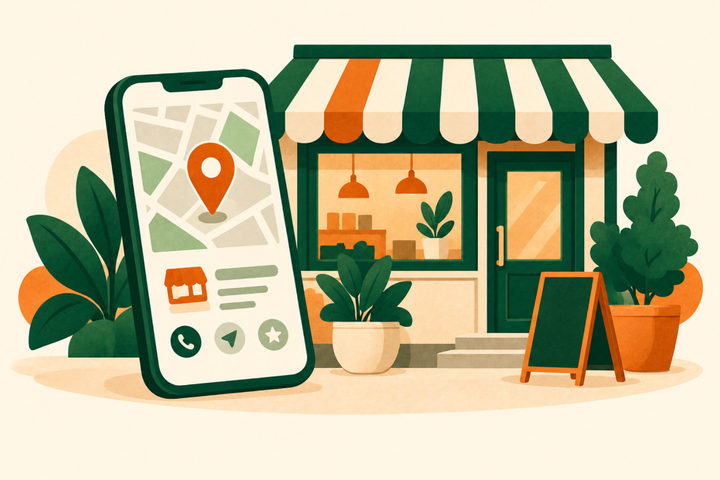
A Business Profile is free. Fill in your hours, your services (with descriptions, and prices if you want to show them) and photos of your space, your team and your work. Keep the hours right on holidays: a client who finds a locked door may not try again.
Name your services the way clients search for them, such as “balayage”, “gel manicure” or “men’s cut”, and answer the questions people ask before booking: parking, price ranges and whether you take walk-ins.
Show real work, with permission
Clients choose a stylist by looking at work like theirs. Post before-and-after photos of real clients who said yes, in good light, and say what was done (“balayage, two sessions”). Google asks for photos that are in focus and well lit, without heavy filters, and clients trust that too.
Treat Instagram or TikTok as your portfolio: post finished work often, tag the stylist who did it and keep your booking link at the top of your profile. A short video of a transformation shows your skill better than a list of services.
Rebook before they leave
The easiest appointment to fill is the next one for someone already in your chair. Offer the next date at checkout, while they are happy with the result. For clients who agree to texts, send a reminder a week before they are usually due, with two times to choose from.
- Ask at checkout: “Shall I save the same time in six weeks?”
- Note what you did and what comes next, so any stylist can pick up
- Send reminders only to clients who asked for them, with an easy way to stop
Ask for reviews the right way
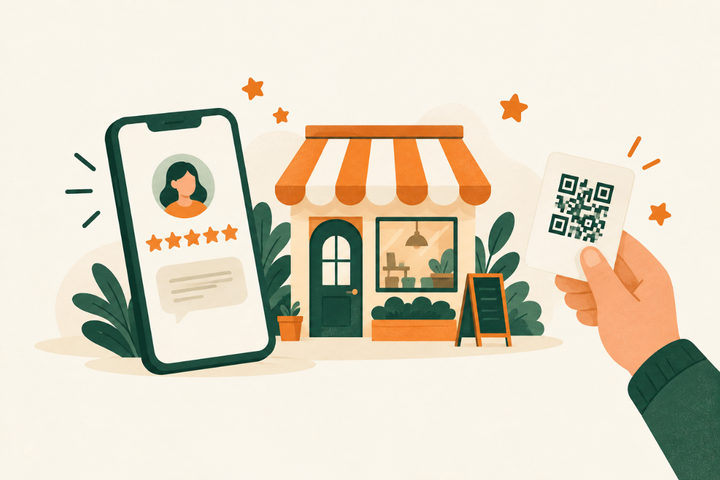
Keep a QR code to your Google review page at the front desk, and send the link after each visit. Ask every client, not only the happiest: Google’s policy doesn’t allow selectively asking for positive reviews, or offering discounts or free services for reviews. The FTC’s 2024 rule also bans fake reviews and paying for reviews that say something positive.
Make referrals easy
A happy client is your best ad. Give them something easy to share, such as a card or a text with your booking link, and a small thank-you when a friend books, like credit toward their next visit. Keep referral rewards separate from reviews. Ask new clients how they heard about you when they book, so you know whom to thank and which channels bring people in.
Fill the slow hours on purpose
If weekday mornings are quiet, use them on purpose instead of discounting your busiest hours:
- Post open slots on your Google profile and social media the day before
- Offer a shorter service that fits a lunch break
- Keep a short waitlist of clients who can come at short notice
- Sell gift cards before the holidays
A rebooking text you can adapt
For a hypothetical salon, sent only to clients who agreed to receive texts.
Example reminder text
Maya at Fern & Co. Salon
Hi Jess, it’s Maya from Fern & Co. It’s been about six weeks since your color. I have Thursday at 4 pm or Saturday at 10 am open. Reply 1 or 2 to book, or call (555) 010-0177. Reply STOP to opt out.
Send it a week before they’re dueExample wording to adapt; this is not a live business enquiry.
Your checklist
Use this while reviewing the website. Your progress is not saved or sent.
Questions to work through
How do I get more clients at my salon?
Make booking easy from Google and your website, show real photos of your work, ask every client for a review, rebook clients at checkout and thank clients who send their friends. Small steps every week add up.
How can a new hairstylist get clients?
Start with people who already know your work: friends, past clients and their friends. Post real before-and-after photos with permission, make your booking link easy to find and ask every client for a review and a referral.
Can I offer a discount for Google reviews?
No. Google’s policy doesn’t allow discounts, free services or other incentives for reviews, and it doesn’t allow asking only happy clients. Ask everyone, without a reward.
Can clients book my salon directly from Google?
Yes, through a booking provider that works with Google. In your Business Profile, open Bookings, select Get started and choose your provider; Google says it shows up within a week. You can also add your own booking link.
Do Google Local Services Ads work for salons?
Google lists hair, nail and other salon categories for Local Services Ads, but its Google Verified badge isn’t available for beauty businesses. For most salons, a complete Business Profile with booking is the better place to start.
Sources and further reading
Use the original guidance alongside this planning article. The examples here are adaptable starting points, not claims about your business.
- Google Business Profile Help: Set up bookings through a provider
- Google: Business Profile, free to create
- Google Business Profile Help: Manage your services on your Business Profile
- Google Business Profile Help: Manage your Business Profile photos and videos
- Google Business Profile Help: Create a Google link or QR code to request reviews
- Google Maps user-generated content policy: Prohibited and restricted content
- FTC: Final rule banning fake reviews and testimonials (August 14, 2024)
- Google Local Services Ads Help: Getting started with Local Services Ads
- Venant Studio: What a salon website needs: booking, prices and your team